Signing up to Rove
Signing up to the Rove platform takes just a couple of minutes. Work through each stage below, and you'll be ready to upload your first product and run your first scan.
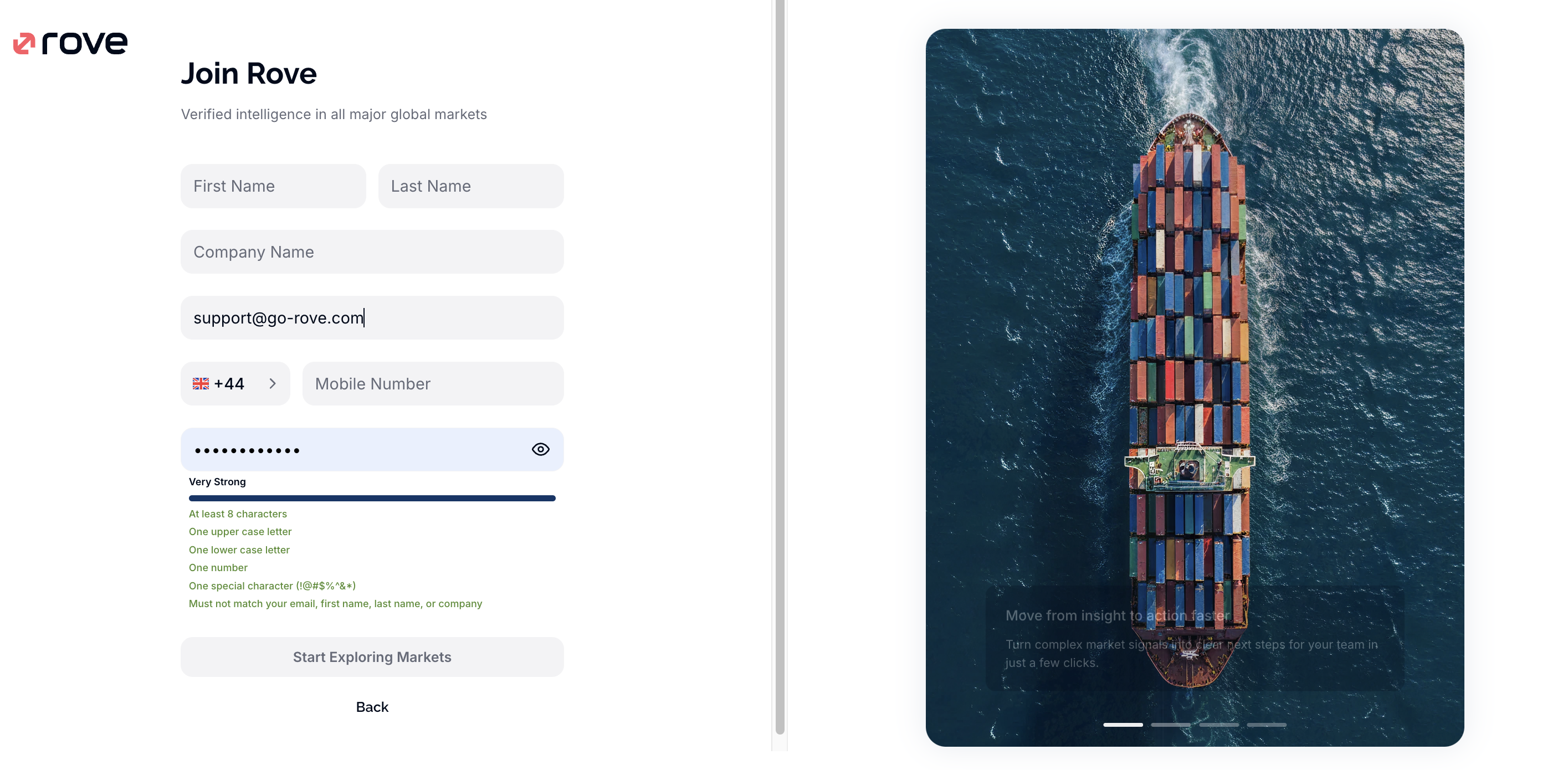
Stage 1: Input Account Information
- First name
- Last name
- Company name
- Phone number
Stage 2: Password
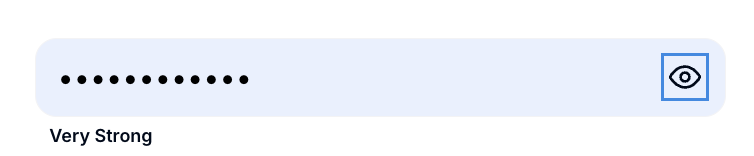
A secure password is generated automatically for you, you can either reveal this (by clicking the eye icon_ and copy, paste and keep safe) or you can enter your own.
Stage 3: Start Exploring Markets
After checking all your information, hit this button and you'll be taken to the Email Verification page.

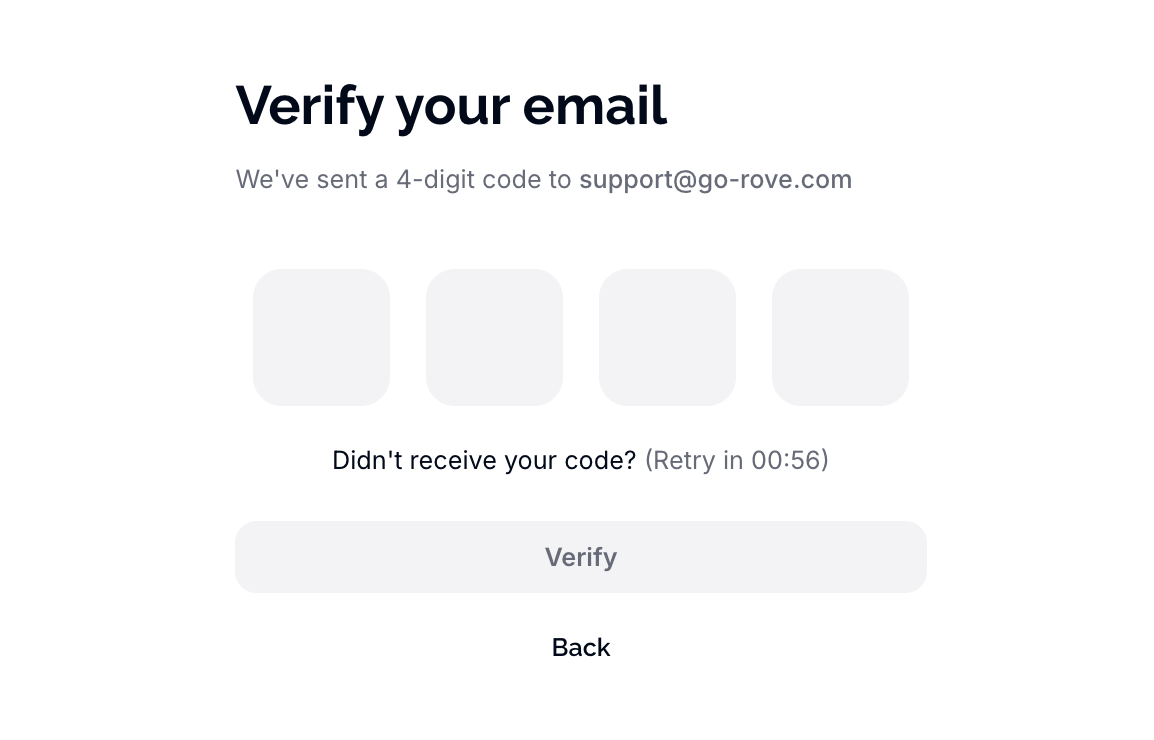
Stage 4: Email Verification
After hitting 'Start Exploring Markets' we'll send a four-digit verification code to your email address - remember to check your Spam folder too!
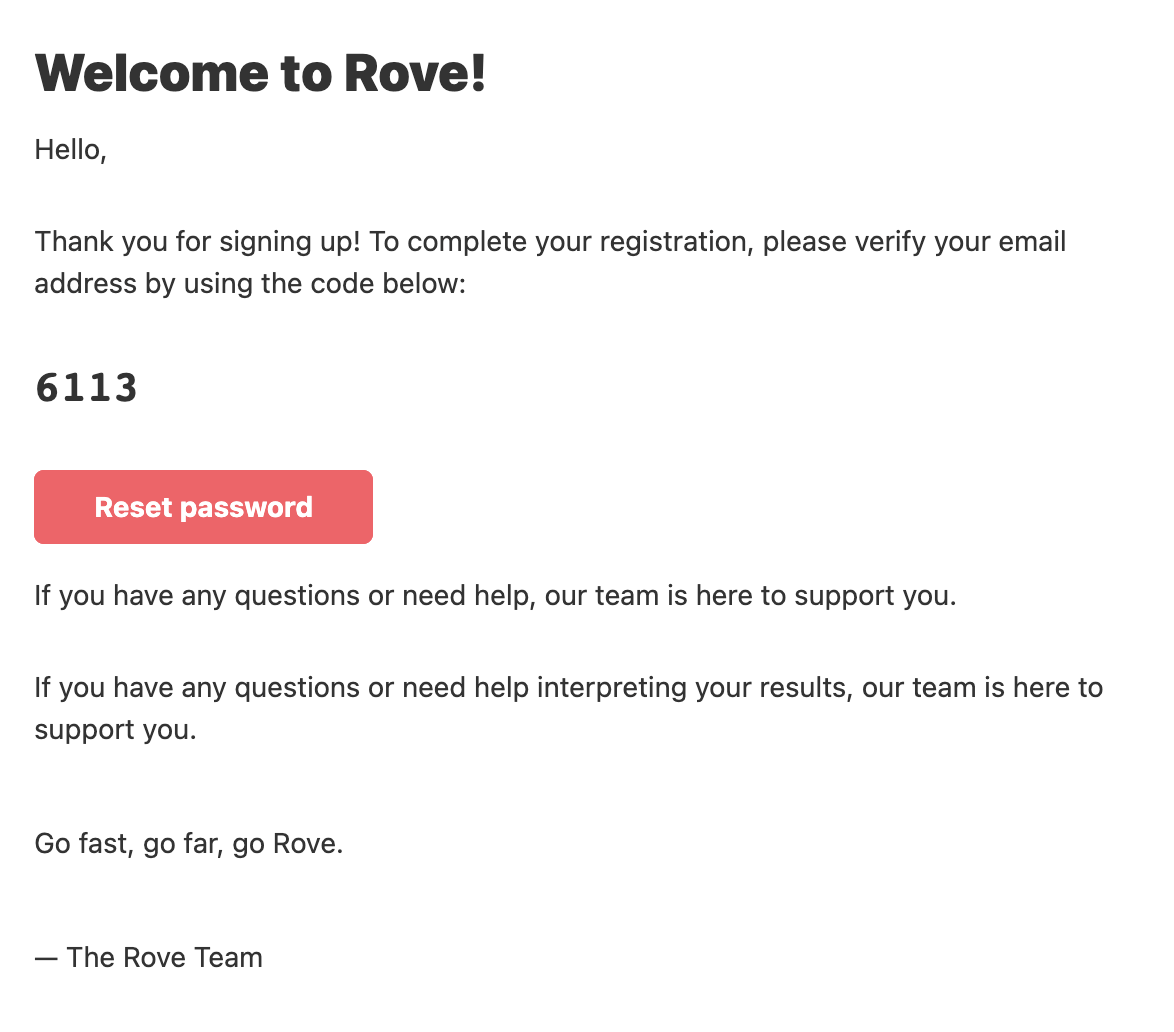
Take the code in your email and enter. At this stage, we'll also confirm whether anyone else in your company (sharing the same domain) already has access to Rove. If they do, you can request access to that company's account directly from this screen.
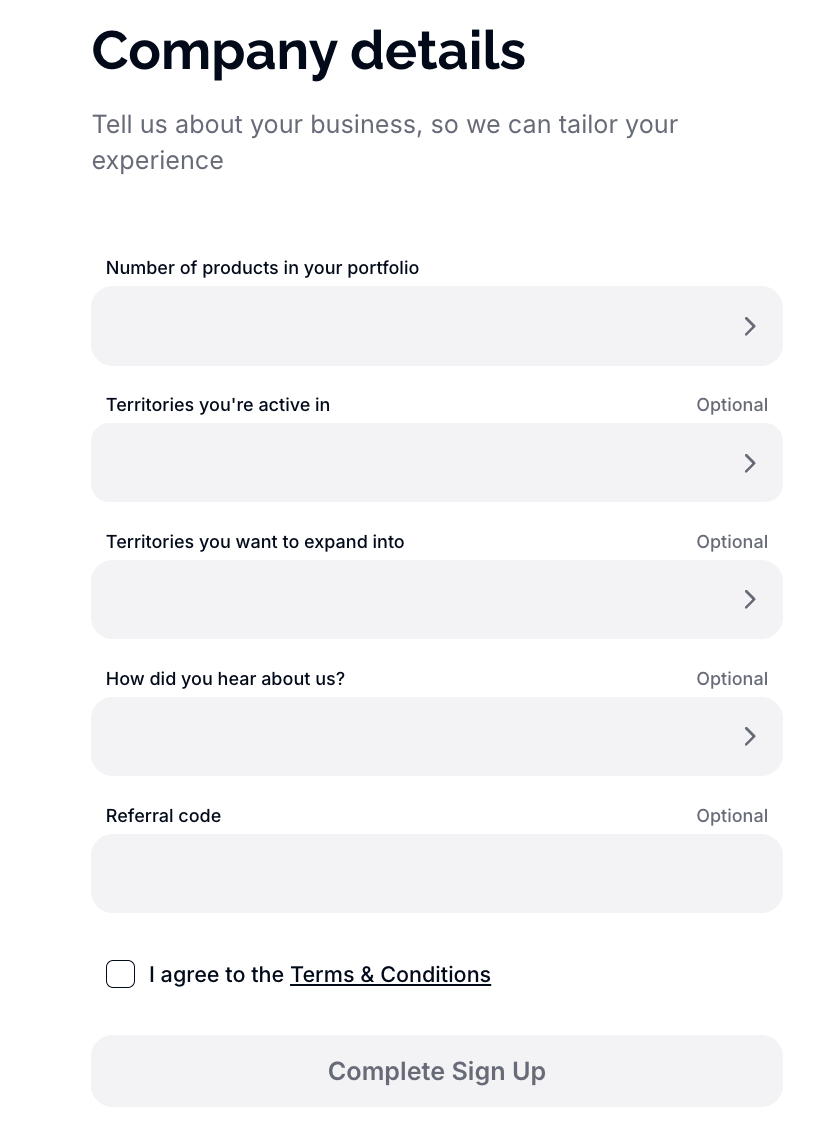
Stage 5: Tell Us About Your Company
Next, we'll ask a few questions about your business: the number of products in your portfolio, the territories you're currently active in, the number of territories you want to expand into, and how you heard about us. If you have a referral code, you can enter it here.
Stage 6: Sign In to the Platform
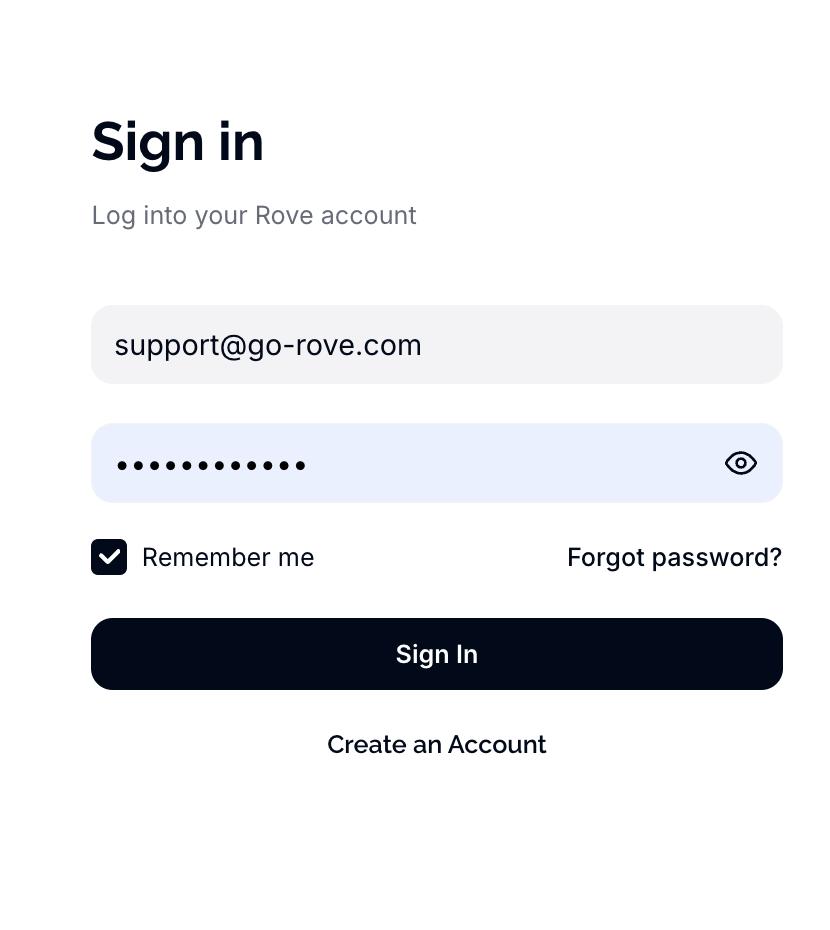
Once you've completed sign-up, you'll be redirected to the sign-in page. Re-enter the details you've just provided to log in to the Rove platform for the first time. If you are on a trusted computer you can select 'Remember me'