
What is Rove Scan & Secure?
What is Rove Scan?
Rove Scan assesses your product against a territory you choose. It returns scored reports on the market, your likely customers, social conversation, legal and regulatory readiness, and shipping, so you can see what stands between your product and the shelf.
Use it when you need a deep view of one product in one territory at a point in time. Competitor Intelligence is different: it keeps watching the best sellers in a category and shows what changed at each refresh.
What's inside?
- Market Intelligence. Category size and growth, the best-fit retailers, search trends and seasonal peaks.
- Customer Profiling. Five customer profiles for your product, tested against synthetic customer responses.
- Social Listening. The platforms, creators and communities where your category is discussed.
- Legal and Regulatory. Compliance issues ranked by severity, with the laws behind them and what to do next.
- Supply Chain Mapping. Shipping costs and times, taxes and duties, and the risks on your route.
- Competitor Discovery & Analysis. The competitors closest to your proposition, with prices in local currency and US dollars.
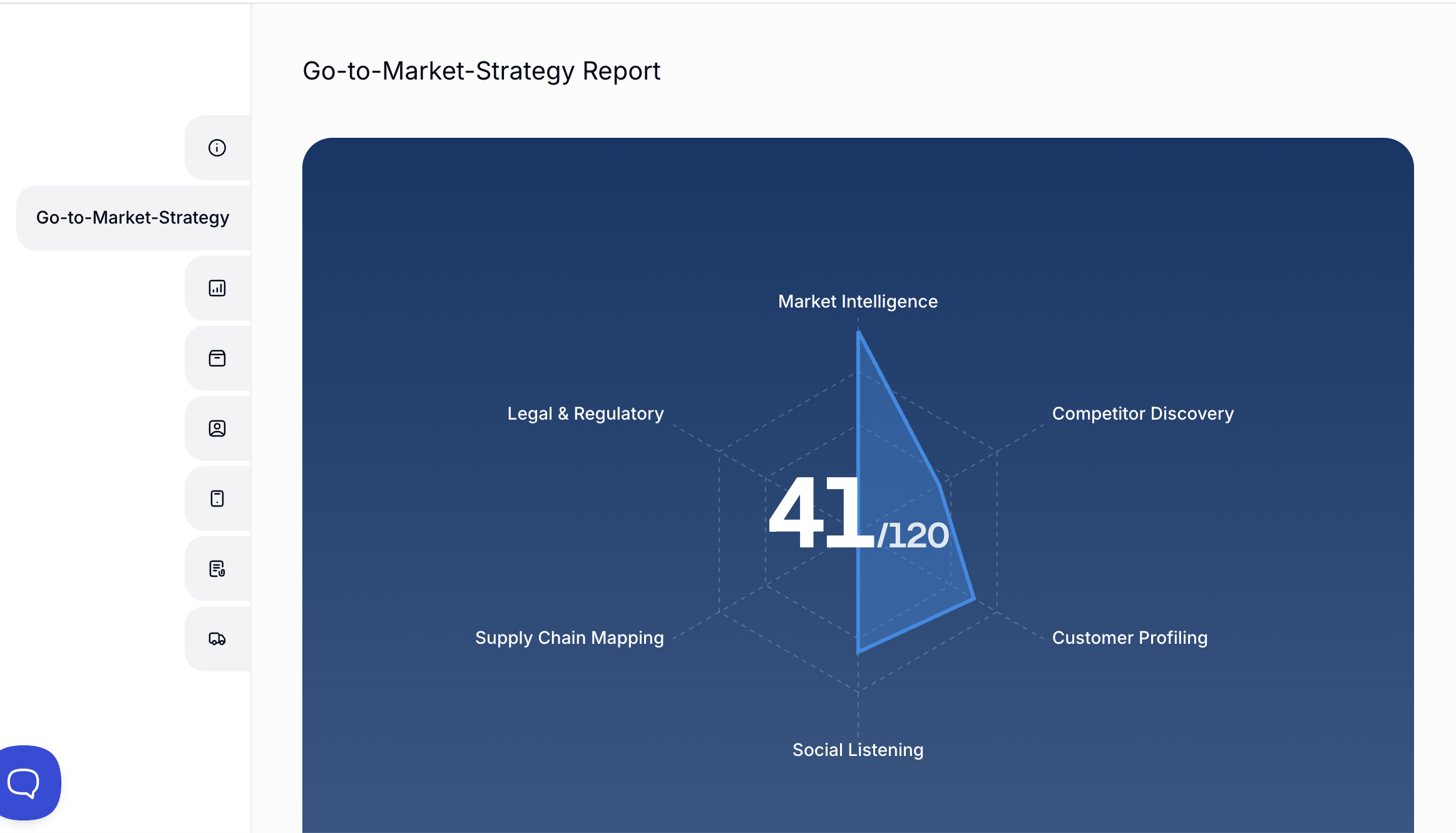
- Go-to-Market. A combined plan that appears once all five core reports are complete for a territory.
What Is Rove Secure?
Rove Secure turns a completed scan into a localised product listing for buyers. Rove uses it to introduce your product to relevant retailers and distributors, and you can share it with buyers yourself.
You can add your own sales deck, which Rove translates into more than 20 languages. Buyers open the listing from a single link with just their email address, with no account or login.
To publish to Secure, your product needs a Legal and Regulatory score of 10 or more.

Getting access
Sign in to Rove at app.go-rove.com, or create an account if you're new. See Signing up to Rove. If you already use Competitor Intelligence, use the same login, open the navigation menu and select Scan.
Reports are paid for in credits. You'll see the total in your basket before you run anything.
Next steps
Start with Uploading Your Product to Rove.